NodePort
NodePort exposes the Service on each node's IP at a static port; reachable from outside the cluster, provided the networking/firewall allows it.
kube-proxy programs rules so that the traffic to any-node-ip:<nodePort> gets forwarded to the Service.
Just like the ClusterIP, Kubernetes sets up a cluster IP address to make the node port available.
NodePort Definition
apiVersion: v1
kind: Service
metadata:
  name: nginx-np-svc
spec:
  type: NodePort
  selector:
    component: frontend
  ports:
  - port: 8080
    targetPort: 80
    nodePort: 30008 # Optional field
kubectl apply -f np-svc.yaml
Manifest fields to know:
.spec.type- type of the Service, NodePort in this case.spec.portsport- port exposed within the clustertargetPort- port the application is running or listening onnodePort- the port on the each node to reserve for this service. Range is 30000-32767. It's Optional if nothing is given then Kubernetes assigns one automatically
vagrant@vagrant:~/kubernetes-tutorial$ kubectl get svc
NAME           TYPE        CLUSTER-IP     EXTERNAL-IP   PORT(S)          AGE
kubernetes     ClusterIP   10.96.0.1      <none>        443/TCP          78d
nginx-np-svc   NodePort    10.99.142.78   <none>        8080:30008/TCP   54s
Access Method
From outside the cluster
<node-public-ip>:<nodePort>or,<node-internal-ip>:<nodePort>, if the client can reach node network.
Ours is a minikube cluster which has only one node i.e., master node. So, let's try with the master node IP. Remember that we do not
have to SSH (minikube ssh) in to the master for accessing this as NodePort exposes on every node's IP.
From the Ubuntu host, get the node IP, which is master and only minikube node in our case and access.
kubectl get nodes -o wide
vagrant@vagrant:~/kubernetes-tutorial$ kubectl get nodes -o wide
NAME       STATUS   ROLES           AGE   VERSION   INTERNAL-IP    EXTERNAL-IP   OS-IMAGE                         KERNEL-VERSION      CONTAINER-RUNTIME
minikube   Ready    control-plane   78d   v1.35.1   192.168.49.2   <none>        Debian GNU/Linux 12 (bookworm)   6.8.0-124-generic   docker://29.2.1
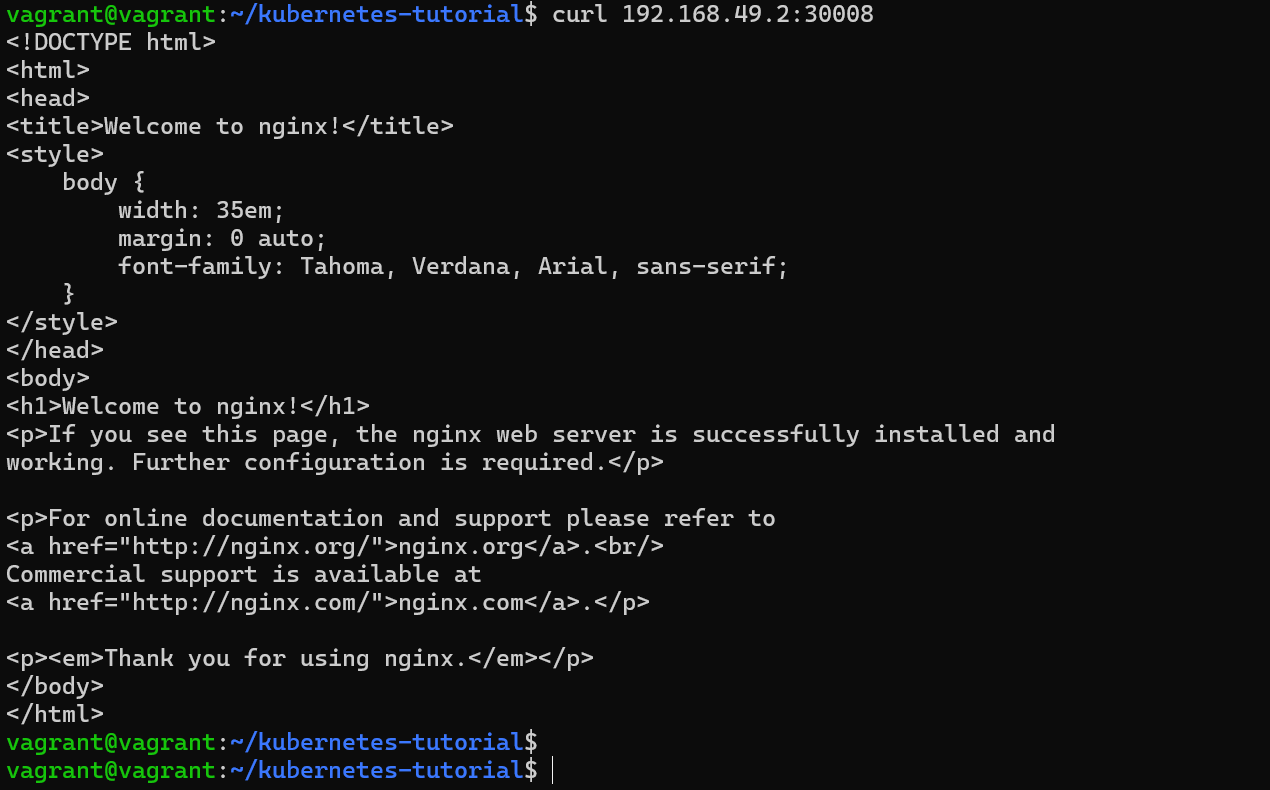
The node IP is 192.168.49.2 and the node port we set on the Service is 30008. Combining these two, we should see the Nginx homepage.
curl 192.168.49.2:30008
From inside the cluster
Similar to ClusterIP, the NodePort service type also gives us a cluster internal IP. We can access the app using that.
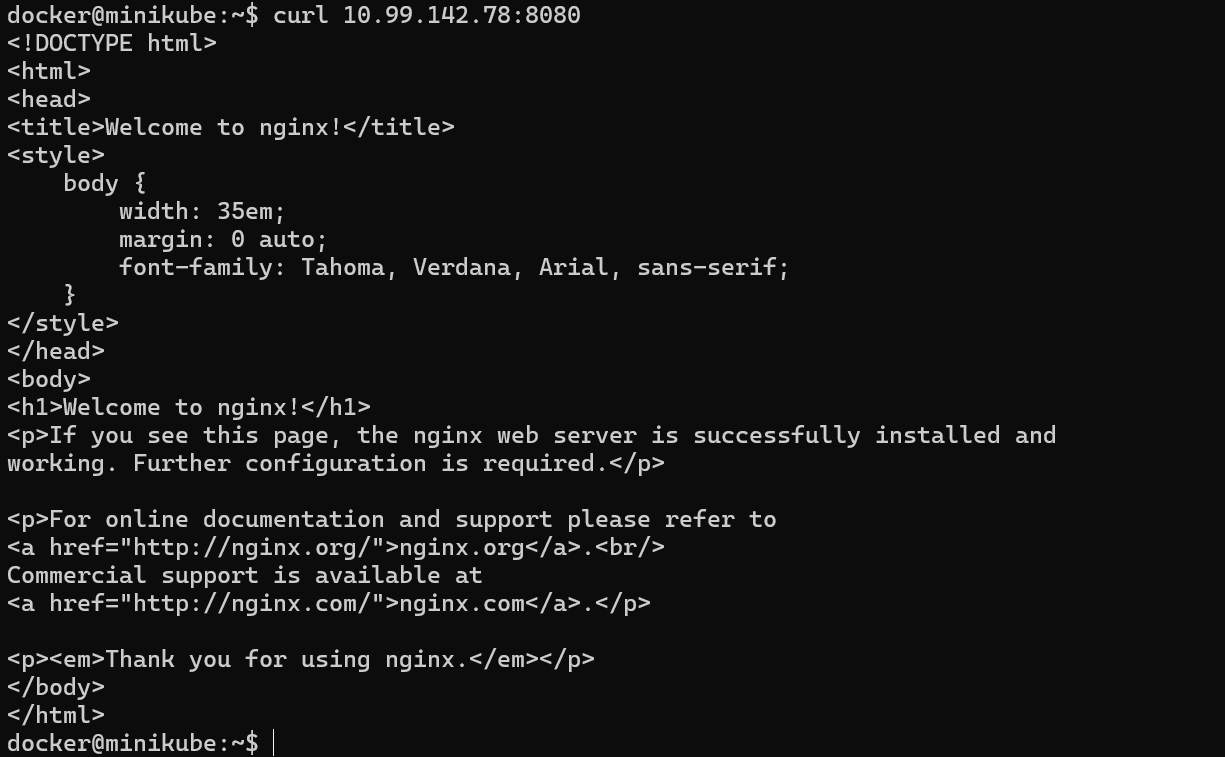
The cluster internal IP for this service is 10.99.142.78, got from the kubectl get svc.
So, if we want to access the app using the cluster internal IP, SSH into the master node and hit cluster-ip:port.
minikube ssh
curl 10.99.142.78:8080

Ports are confusing - sometimes 8080 and sometimes 30008
Remember the NodePort YAML manifest:
ports:
- port: 8080
  targetPort: 80
  nodePort: 30008
port - if you're inside the cluster and accessing through cluster IP, then use port. This is to make the app available in this port internally within the cluster.
<cluster-ip>:<port>
targetPort - actual port that the app is running on. We do not use this directly.
nodePort - if you're outside the cluster and accessing through node IP, then use nodePort. <node-ip>:<nodePort>